White-Label Support Portals: Giving Every Team Leader Their Own Branded Experience
Teams in network marketing build real identities — names, colors, cultures. White-label support portals let each leader offer support under that identity, with approved content underneath.
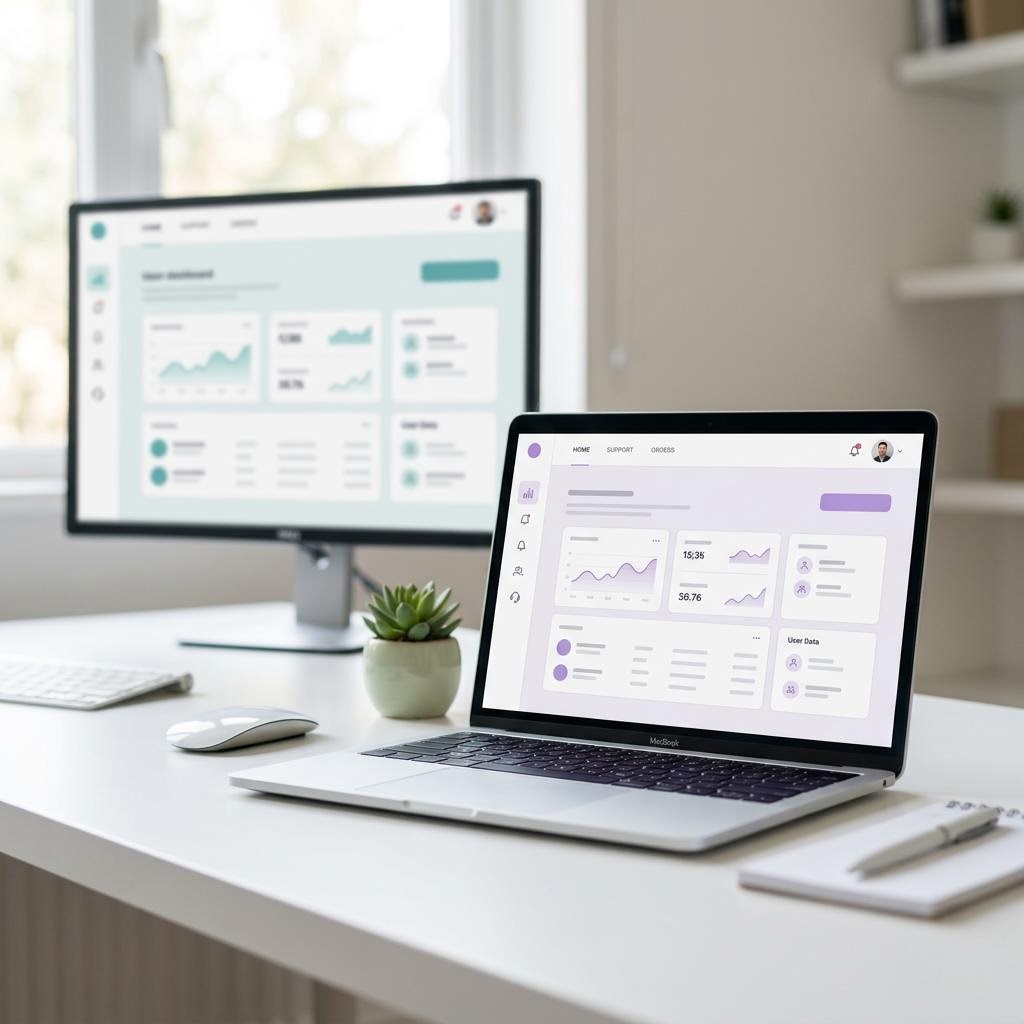
Every serious team in network marketing eventually builds its own identity — a team name, a logo someone's cousin designed, a color scheme, a culture. But when a team member needs actual help, that identity evaporates into a patchwork of group chats, shared drives, and "ask your upline," none of which look or feel like the brand the leader worked to build.
The gap matters more than it seems. People join leaders and teams, not just companies — and they stay where they feel identity and belonging. A white-label support portal closes the gap: every leader gets a real, professional support home under their own brand, and the company or upline keeps the content underneath consistent and approved.
What "white-label" means in practice
A white-label portal is not a logo slapped on someone else's software. Done properly, every surface a member or customer touches carries the team's identity:
- The portal itself — team name, logo, colors, typography, and hero imagery on a page that looks designed, not configured.
- The chat assistant — launcher, widget colors, welcome message, and assistant name matching the team's voice.
- The domain — support.teamname.com rather than a vendor subdomain, so the address itself carries the brand.
- The emails — ticket confirmations and replies sent under the team's name, not a software company's.
The test is simple: could a member tell which vendor powers it? When the answer is no, the leader's brand does all the talking. That is the standard a genuinely white-label platform should meet.
Why this structure fits network marketing so well
Leaders get ownership
A leader with their own portal has something no group chat provides: a professional asset with their name on it. It shows up in how they recruit ("my team has its own 24/7 support portal"), how they onboard, and how seriously prospects take them. Ownership also drives maintenance — leaders keep content current when the thing carrying it is theirs.
The company gets consistency
Underneath the branding, the knowledge base holds approved content: product information as published, comp-plan documents as written, policies as they actually are. Identity varies by team; answers do not. That combination — local brand, central truth — is the balance the direct-selling industry keeps reaching for, and it is the same consistency the Direct Selling Association's field-conduct standards encourage.
Members get one obvious front door
Instead of guessing which group chat to ask in, members and their customers go to one portal that answers instantly — and escalates cleanly to tickets, live chat, or a booked call when a human is needed.
Independent research points in the same direction: Gartner predicts that agentic AI could autonomously resolve up to 80% of common customer service issues by 2029, as reported by IBM. That is an industry forecast, not a promise — but it is a clear signal of where customer expectations are heading.
What each layer controls
The practical division of labor looks like this:
- Company or upline — owns the canonical knowledge content, the compliance boundaries, and the escalation policies.
- Team leader — owns the brand surface (name, look, domain, welcome voice), the team-specific content (events, onboarding rhythm, culture), and the local escalation targets.
- The platform — owns the plumbing: the AI answering layer, ticketing, live chat takeover, bookings, analytics, and the isolation between workspaces so each team's data stays its own.
Rolling it out without drama
- Pilot with one leader — pick the leader whose team asks the most questions. Their before/after becomes your internal case study.
- Seed the knowledge base centrally — import the product pages and policy documents once, then hand the leader the keys to add their team layer on top.
- Launch it as a team milestone — a branded portal is a genuinely exciting artifact for a team; treat the launch as recognition, not an IT rollout.
- Review the gaps monthly — unanswered-question logs tell each leader exactly what content their team is missing.
What to put in the portal first
The blank-page problem kills more portals than any technology choice does. Here is the content order that serves a network-marketing team best, based on what actually generates question volume:
- The first-week questions. How to place an order, where to find your link, how to enroll someone, where commissions appear. Every new member asks these, and answering them instantly is the single biggest burden-remover on the list.
- The operational layer. Shipping times, returns, account access, payment issues. High volume, zero judgment required — ideal territory for instant answers.
- Product essentials. Usage guidance and specifications exactly as the company publishes them, linking the official documents rather than paraphrasing them.
- The published comp-plan basics. Quote and link the official documents. This is the category where drift is most dangerous, so it benefits most from a single canonical source.
- Team rhythm. Meeting schedules, event dates, onboarding checklists, recognition traditions — the content that makes the portal feel like the team's home rather than a manual.
Resist the urge to write everything before launching. Twenty solid articles beats eighty thin ones, and the unanswered-question log will tell you what to write next with far more accuracy than guessing in advance.
How you know it is working
Three signals, all visible in the platform: conversations the assistant completes without escalation (rising over time), tickets created outside staffed hours (each one is a question that used to interrupt somebody's evening), and the same five questions disappearing from leaders' direct messages — ask them, they will know. When a leader tells you their phone got quieter in week two, that is the metric that spreads adoption to the next team.
Give it a month before judging. The first two weeks measure your seed content; the second two measure the system — because by then the weekly review has closed the gaps the launch missed, and the answers people get reflect the machine working as designed rather than your first guess at what the team would ask.
One thing you can do today
Write down the three places your team's identity currently lives (logo, group name, colors) and the three places your team's answers currently live. If those two lists have nothing in common — identity in one world, help in another — that disconnect is the exact thing a white-label portal fixes, and you will feel the difference in the first week. Identity and answers living in the same place is what members experience as a team that has itself together — and it shows up in retention long before it shows up in any report.
Frequently asked questions
Does every leader need to be technical?
No. Branding a portal is a settings page — logo upload, color picks, welcome text — and knowledge content can be seeded centrally. If a leader can run a Facebook group, they can run a portal.
Can the company keep control of sensitive content?
Yes. The structure is local brand on top, controlled content underneath: the knowledge base carries approved documents, and the assistant only answers from that base. Leaders customize identity, not compliance-sensitive substance.
What does a team-level setup cost?
Plans are flat monthly pricing per workspace rather than per member — see current plans, try the ROI calculator against the hours your leaders spend answering questions today, or book a demo to see a branded team portal live.
Start your free 14-day trial
GoFastSUPPORT.ai gives you a white-label AI support assistant, a branded customer portal, ticketing, live chat with human takeover, and a knowledge base — all under your own brand. Setup takes an afternoon, and your card is never charged until the trial ends.
- Start Your Free 14-Day Trial — full access from day one, cancel anytime.
- Prefer to see it first? Book a personalized demo or compare plans and pricing.